
How to Search Cases by Name
No case number? The official MCRO Case Search is the right tool for a Rock County docket search by name. Accept the terms and pick the Name tab. Then use the Court Locations controls to select Rock. Start with an exact name if you have one. A trailing wildcard works after at least two characters where permitted, and Sounds Like is a separate matching method that cannot be combined with a wildcard.
- Choose Name and select Person or Business as appropriate.
- Enter the known last name and any available first or middle name.
- Select Rock County, then add a case category or filing-date range only when it helps.
- Run the search and compare the returned case metadata before opening Rock County Case Details.
| MCRO field | Control | Use in a Rock County search |
|---|---|---|
| Last, First, Middle Name | Text | Start with the exact known name. |
| Sounds Like | Checkbox | Use as an alternative to a wildcard search. |
| Date of Birth | Date control | Use only when known and appropriate. |
| Case Category | Checkboxes | Civil, Criminal, Family, Probate or Mental Health. |
| Court Locations | Radio and county filter | Select Rock County for a county-focused result set. |
Rock County Case Lookup Through MCRO
MCRO splits four jobs that are easy to mix up. Rock County Case Search covers case history. Rock County Hearing Search finds settings, and Rock County Judgment Search handles docketed judgments and satisfactions. Rock County Document Search hunts a known public document. Need a routine Rock County case lookup? The official Case Search page is the right first stop.
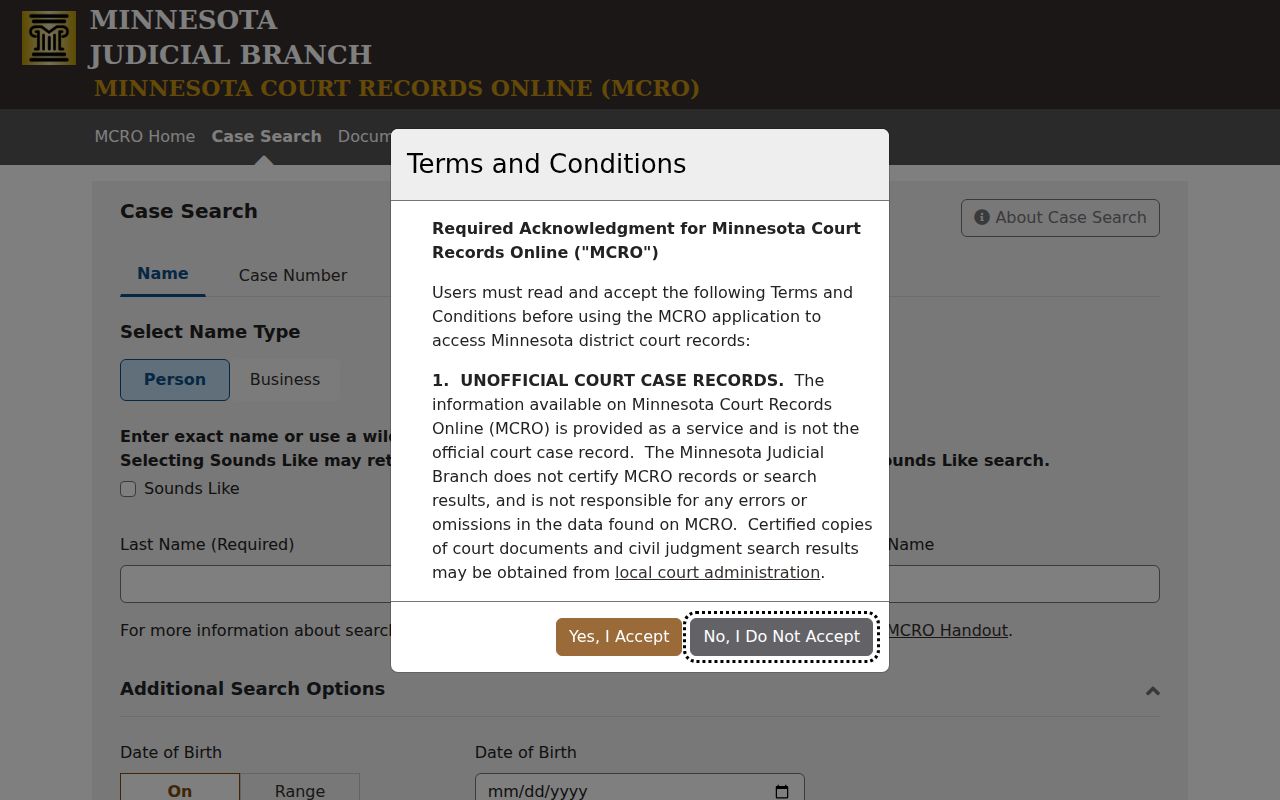
Rock County Case Search accepts a name, case number, citation number, or attorney. It will not produce a certified copy or open a confidential record.
How to Search by Case Number
A complete number is the strongest key to any Rock County docket search. Minnesota numbers combine a county code, case-type letters, a filing year, and a sequence. The Rock public calendar has shown the county prefix 67. Patterns include 67-CR-25-[sequence]. Others look like 67-CV-25-[sequence] and 67-VB-25-[sequence]. Those are observed formats only. The full number on a notice or file is what truly identifies the case.
Type the complete number into Rock County Case Search for the history. For one specific Rock County filing, switch to Rock County Document Search instead. That tab permits omitted dashes or leading zeros. Entering the full displayed number cuts the risk of opening the wrong Rock County record.
Rock County Citation and Pending Case Searches
A blank name search does not mean no file exists. MCRO states a clear rule. Pending criminal, traffic, and petty-misdemeanor cases with no conviction will not return by defendant name. When a Rock County notice lists a citation or case number, search that identifier instead. Attorney information can open another route where it applies.
The citation number is the practical bridge for a Rock County traffic ticket. It runs from the notice into MCRO. Copy it exactly. It also helps Rock County Court Administration locate the file. Use it when the online display comes up short.
What a Case Search Shows
MCRO labels its Rock County case-history view Rock County Case Details and Register of Actions. A result can show the file's identifying fields. Parties, events, hearings, dispositions, and financial activity appear too. A public document link may sit beside an event or document index number. Even so, an event is no guarantee. Its attachment may not be available remotely.
| Case information | Number, title, type, filing date, venue, officer, status, citation, flags, and related cases. |
|---|---|
| Party information | Public party role, limited identifying fields, aliases where available, and attorney information. |
| Events and hearings | Reverse-chronological events, document index, prior and upcoming settings. |
| Disposition and judgment | Case-type-specific outcome, judgments, and satisfactions when collected. |
| Financial information | Fines, fees, payments, and credits that may concern more than one party. |
Rock County Case Details Are More Than Hearings
A Rock County hearing line only tells you a setting was scheduled. Case Details can show much more. Interim conditions and bond or bail activity can appear. So can charge history, assignments, later events, or a disposition. Read those entries in date order and in their case-type context. A charge entry is not a final outcome. A financial balance is not itself a disposition either.
The official MCRO Judgment Search covers less ground than the full case history. Reach for it when the question is a docketed judgment or satisfaction. It does not cover every event in a Rock County file.
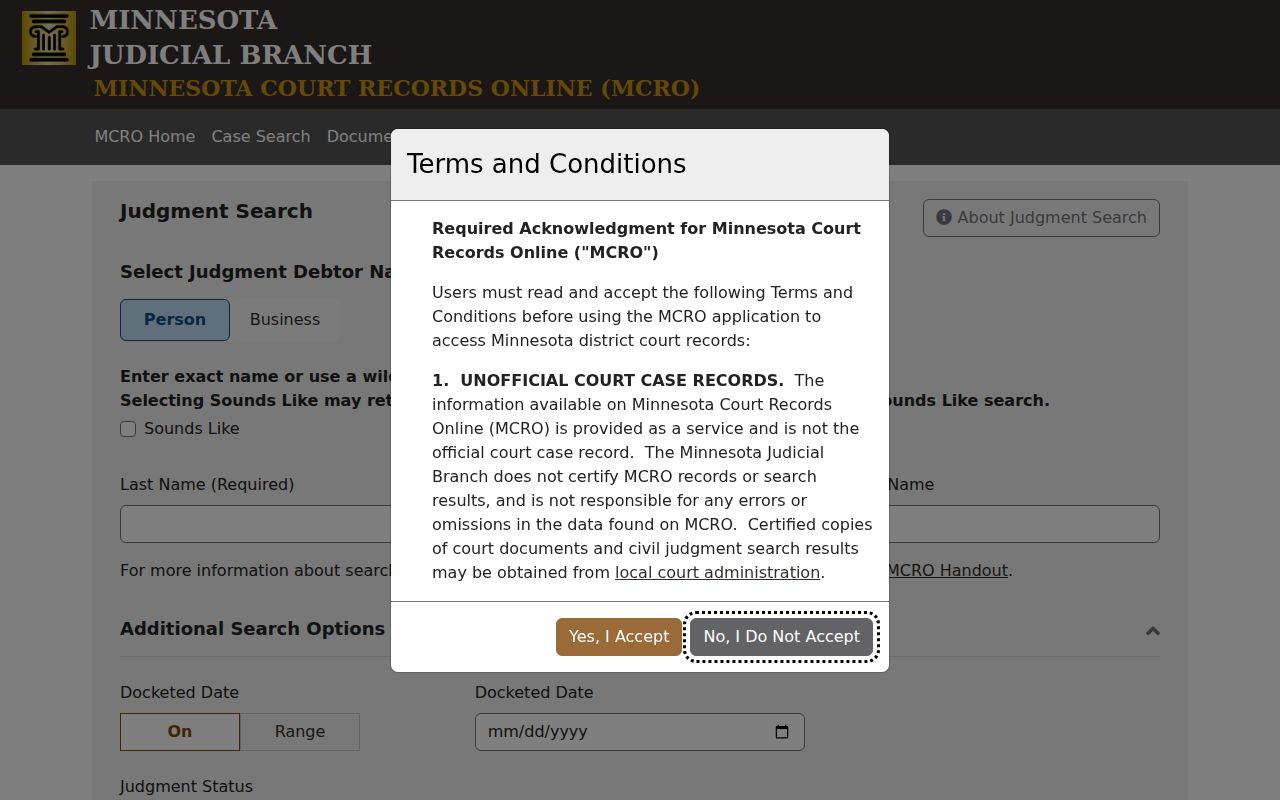
Read Rock County judgment results alongside the underlying Rock County case information. A closed file can still receive later judgment-related entries.
County vs Statewide Case Search
Rock County offers no separate case-search portal. MCRO runs statewide, and the Rock County filter makes it county-focused. Choose the statewide setting when the Rock County filing location is unknown. A result may also sit elsewhere in Minnesota. Choose the Rock County selection otherwise. Use it whenever the court notice, Rock County calendar, or case number points to this county.
| Search setting | Best use | Result check |
|---|---|---|
| Statewide Court Locations | Unknown filing county or a broader name search. | Confirm county and case number before relying on a match. |
| Rock County location | A Rock notice, calendar entry, or known local case. | Check category, filing date, party role, and status. |
| Document Search | A known public document in a known file. | Use the complete case number. |
Rock County Document Search Starts With the File Number
The official MCRO Document Search demands a complete case number. It lists accessible documents newest first. It offers a print control and a view-document control. This tab is more exact than a Rock County name search. Save the number from Rock County Case Details. Or save it from the Rock County calendar before you switch over.
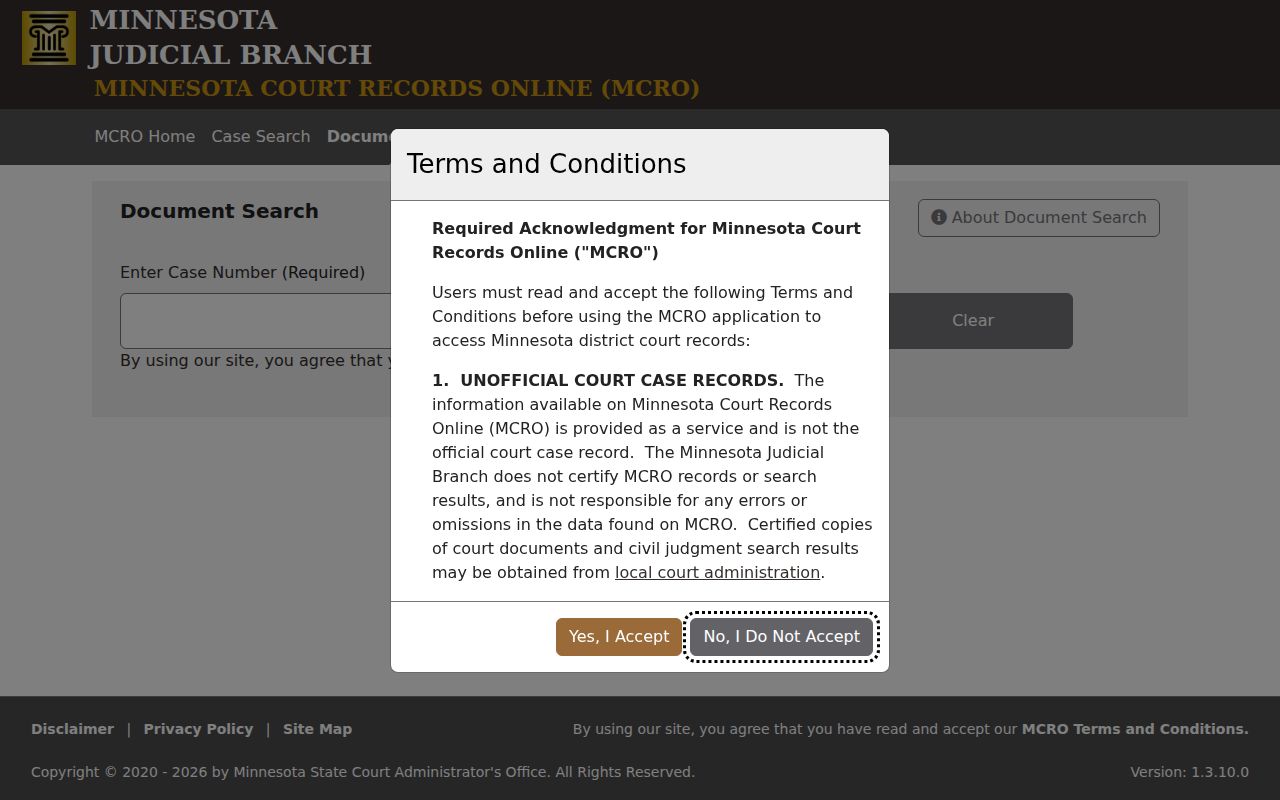
Older Rock County files and non-remote categories may show no public document even when Case Details is visible. In that situation, Rock County Court Administration is the records channel.
Rock County Same-Name Results Need Verification
A name match is just a lead. Before treating a result as the right Rock County case, check the details. Compare the county, case category, filing date, case number, and party role against what you already know. MCRO itself warns that people share names. Results can include aliases or close birth dates. The system offers one more caution: skip the browser Back button. Page controls and breadcrumbs are the safe way to move around in your Rock County docket search.
Sessions can time out too. MCRO gives a warning near 28 minutes and expires around 30. Keep the full Rock County case number written down. Then a dead session cannot strand you.
Rock County Case Hearing Search
A Rock County case lookup often turns on a date. Use the MCRO Hearing Search or the current Rock County public calendar instead of a name search alone. Hearing Search covers past and future settings. You can query it by party, case number, judicial officer, or attorney. The published calendar lists the hearing date, time, and location. It also lists the officer, hearing type, connection type, and case number.
Remember what a hearing entry is not. It shows a scheduled setting, nothing more. It will not tell you the hearing actually happened. It will not say why a date moved or how the case resolved. For procedural history, open Rock County Case Details and read the Register of Actions. For a current appearance, check the paper notice. Call Rock County Court Administration if the online sources disagree.
Rock County Court Administration as a Case Search Channel
Some searches outgrow MCRO. Rock County Court Administration takes over when the public display lacks what you need, when the Rock County file is older than broad document availability, or when you need a certified copy. That office holds the official Rock County District Court case file, register of actions, filings, hearing settings, and copy process. MCRO is an access interface, not the certified record itself.
Call (507) 935-7006 for a time-sensitive hearing, a notice that conflicts with the calendar, an access question, or the correct copy-request form. The courthouse counter and the public-lobby calendar work as local confirmation routes too. Staff can explain access and procedure. They cannot give legal advice or decide legal rights.
Rock County Case Lookup Search Path
Start with your purpose, not the tool. Rock County Case Search gives you the register and general file metadata. Document Search works best once you have the complete number saved. Hearing Search and the Rock County calendar answer questions about a setting. Judgment Search handles a docketed judgment or satisfaction. Court Administration is the route for certified copies and cases needing local confirmation. It also serves records outside public remote access.
That order also prevents a common mistake: treating a document, a calendar entry, and the full case history as the same thing. Each answer lives in a different corner of the Minnesota Judicial Branch system. The exact Rock County case number is what lets you move between tools. With it, you avoid a same-name search or a dead browser session.
Working from a calendar entry? Save the case number before closing the PDF. The calendar shows the party name, hearing location, date, and time. It also shows the judicial officer, hearing type, connection type, and number. Drop that number into Case Search to read the record behind the setting. For a docketed judgment, Judgment Search offers a focused look at judgment parties, details, and satisfactions where collected.
If a Rock County record will not surface online, write down the searches you tried. Then contact Rock County Court Administration with the party name, case category, approximate filing date, and any citation. That context helps staff tell an ordinary miss from a restricted record or an older document. It can also flag a number needing correction.
Restricted Cases and Access Rules
Public access has limits. Some Rock County fields, documents, and case categories stay out of remote view. Juvenile records carry statutory limits. Some family records have narrower document availability. Sealed or expunged matters are not ordinary search misses. The Rock calendar leaves out confidential and non-remote matters as well.
Access route: Minnesota Statutes section 13.90 directs judicial-record access to Supreme Court rules. For a confidential or sealed record, CON101 is a request for a judicial officer's decision, not another MCRO search.
When a Rock County public record is not available, contact Rock County Court Administration. The official record, certified copies, and any judicial access decision all remain with the court, not the MCRO display.